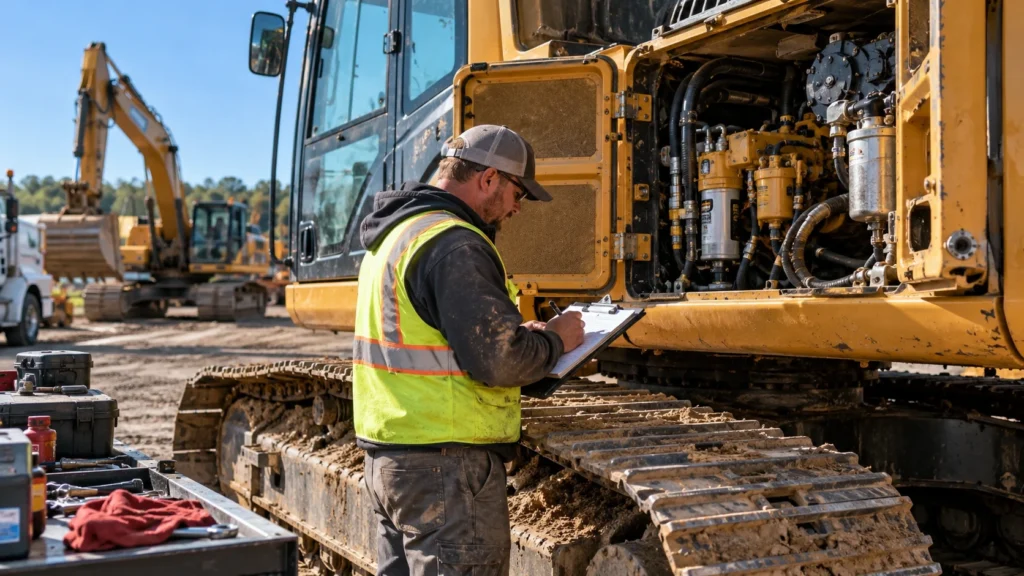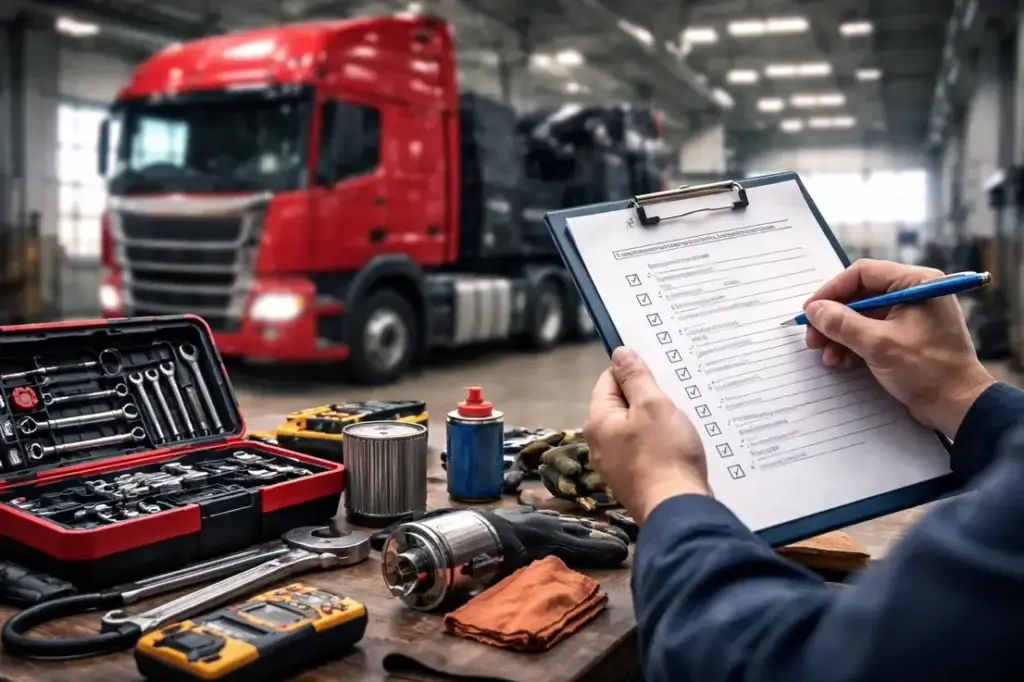
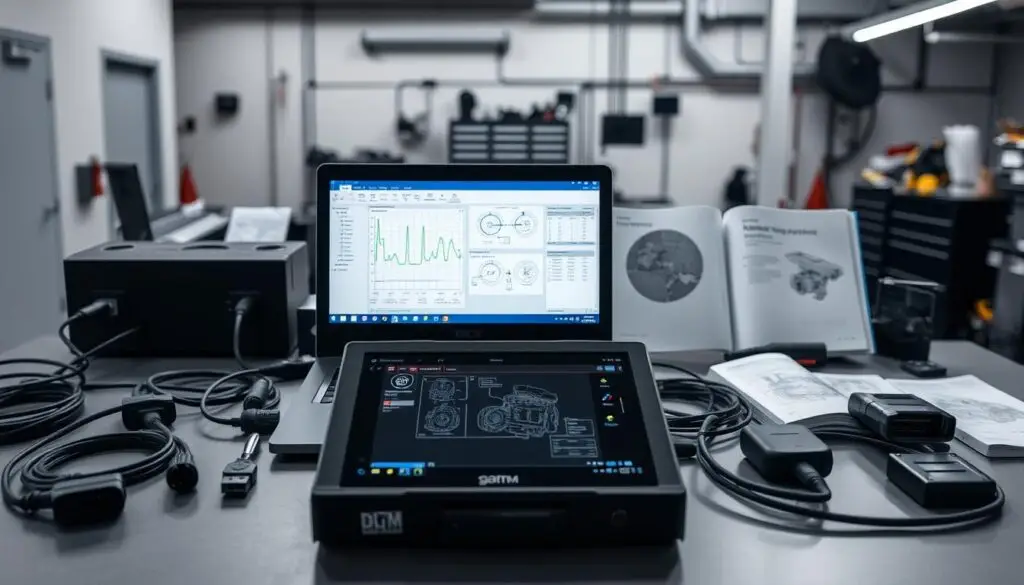
By Michael Nielsen, Editor & Publisher | 15+ Years in Diesel Repair
Last Updated: January 2025
📖 Estimated reading time: 18 minutes
Diesel diagnostic software in 2025 delivers dealer-level capability to U.S. shops and fleets without the dealership wait or tow bill. Modern diagnostic platforms pair rugged laptops with OEM applications from Cummins, Caterpillar, Detroit Diesel, Volvo, International, Freightliner, Kenworth, and Peterbilt—giving technicians the tools to read and clear fault codes, run forced regenerations, adjust parameters, and handle injector calibrations on the shop floor or roadside.
For fleet managers watching maintenance costs and owner-operators protecting uptime, the 2025 diagnostic tool landscape represents a meaningful shift. Coverage now spans on-highway tractors, off-highway equipment, agriculture, construction, and marine applications. This guide breaks down what today’s diesel laptops deliver, how they compare to handheld scanners, what professional kits cost, and how to choose the right setup for your operation.
Key Takeaways
- Dealer-level access: Diesel laptops with OEM software perform forced regens, injector coding, and calibrations previously requiring dealership visits.
- 2025 coverage expansion: Major releases add 70,000+ new systems and 600 functional tests covering late-model and legacy vehicles.
- Investment range: Professional kits run $3,500-$6,500 with options for no-subscription models or renewal-based updates.
- Multi-segment capability: Modern platforms cover on-highway, off-highway, agriculture, construction, and marine applications.
- ROI through uptime: In-house diagnostics reduce dealer dependence, cut tow costs, and keep trucks moving during peak seasons.
Why Diesel Diagnostic Software Matters in 2025
Diesel diagnostic platforms have evolved from basic code readers to full service systems capable of handling the complexity of modern emissions-controlled engines. U.S. shops and fleets demand faster turnarounds, better uptime, and clear paths to repair on late-model trucks with sophisticated aftertreatment systems.
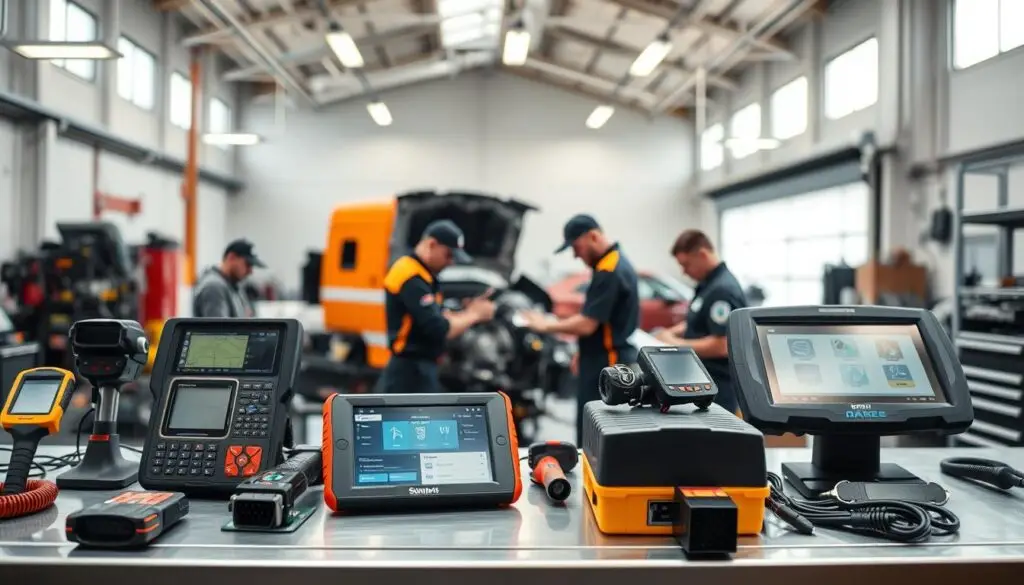
The biggest gains this year center on emissions diagnostics, guided workflows, and broader 2025 model-year coverage that also strengthens legacy support. As regulations tighten and engine control systems grow more integrated, having the right diagnostic capability separates shops that turn bays efficiently from those watching trucks sit waiting for dealer appointments.
Model-year coverage and emissions system updates
Major software releases expand 2025 model-year coverage while adding functions for older trucks. Snap-on’s fall update brings 70,000 new systems and 600 additional functional tests, enabling all-makes code scan and clear that supports aftertreatment and emissions diagnostics. That reach helps technicians diagnose DEF dosing, NOx sensors, and SCR efficiency with fewer blind spots.
The newest emissions diagnostics routines integrate live data, bidirectional tests, and repair-confirmation steps. This means fewer repeat visits and stronger bay flow for operations that rely on consistent uptime. According to the American Transportation Research Institute’s operational costs research, repair and maintenance costs averaged $0.212 per mile for trucking operations—making diagnostic efficiency a direct lever on the bottom line.
Dealer-level capability without the dealership
Modern diesel laptops pair dealer-level tools with OEM applications and Nexiq USB-Link 3 connectivity. Core tasks—reading and clearing DTCs, forced regens, parameter updates, and calibrations—move in-house, cutting tow bills and delays. Professional bundles ship ready to use, often with setup assistance and ongoing technical support.
With these platforms tied into fleet maintenance workflows, managers see health reports and repair timelines in real time. That visibility reduces dependence on dealership queues and protects uptime during peak seasons when every truck matters.
Diesel Laptop vs. Handheld Scanner: Understanding the Difference
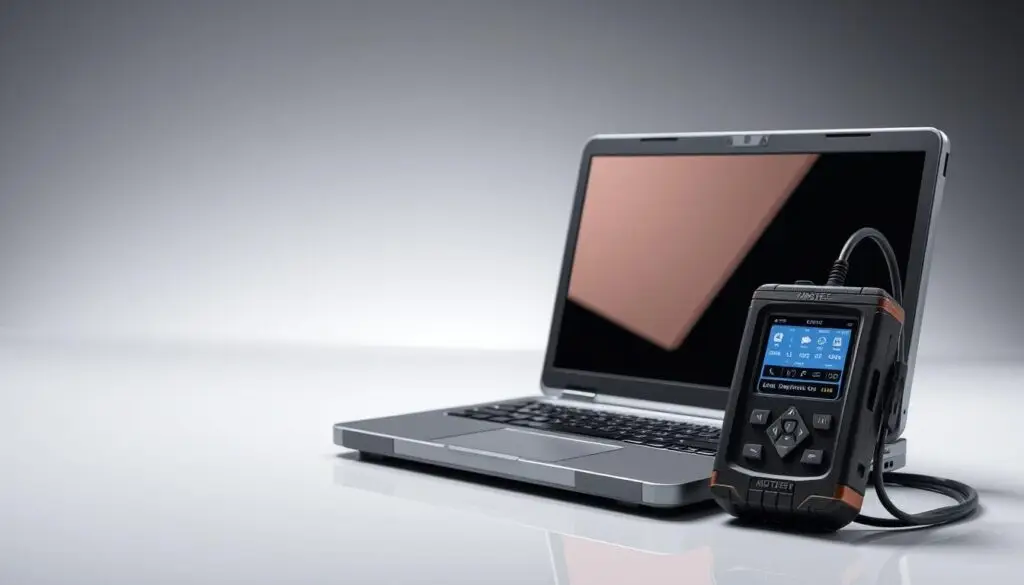
A diesel laptop is a rugged computer built for shop bays and roadside calls. It arrives ready to plug in with brand coverage spanning the major engine and truck manufacturers. For teams weighing the laptop versus handheld decision, the choice comes down to depth of diagnostic capability and the pace of software updates.
What diesel laptops deliver
Professional kits ship with OEM diagnostic software and multi-brand tools installed, plus the Nexiq USB-Link 3 in wired or wireless form. The hardware is drop-tested and sealed to hold up in a bay or on the shoulder of an interstate. This package supports dealer-grade tasks on late-model and legacy engines without juggling multiple devices.
Technicians can read and clear DTCs, run forced regens on DPF systems, and produce health reports in minutes. Injector coding, sensor calibrations, and parameter programming help match components after repairs and tailor settings to duty cycles. Utilities like Diesel Explorer streamline regens and summaries for faster commercial truck diagnostics.
Where handhelds fall short
Handheld scanners work well for quick code reads, but they often stop short on forced regens, injector coding, and parameter programming. Laptops maintain broader coverage across engine, aftertreatment, ABS, transmission, and body modules, backed by ongoing dealer-level updates. In a direct comparison, the laptop’s extensible software stack and parts-level calibrations deliver more complete outcomes for mixed fleets.
$448–$760 per day
Average cost of unplanned truck downtime per industry research—making diagnostic speed a direct revenue factor.
Core Components of a Professional Diesel Diagnostic Kit
A modern diagnostic kit is built around real-world demands in shops and on the shoulder. Speed, durability, and broad coverage define what separates professional setups from consumer-grade alternatives. Each component plays a role, from the rugged laptop to adapters and the technical support that keeps technicians productive.
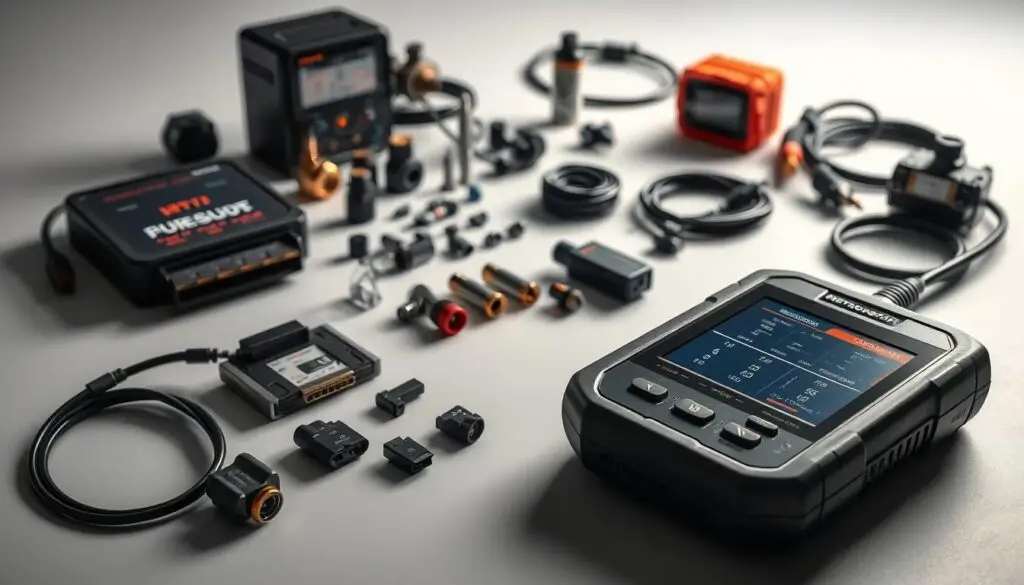
Ruggedized laptop hardware
A rugged laptop withstands drops, vibration, and shop grime. It powers up fast, holds a long charge, and keeps ports protected. Technicians can move from bay to yard to roadside without babying the device. Touch-friendly screens and sealed keyboards matter when gloves and solvents are in play. Ample RAM and SSD storage let heavy applications open quickly and log sessions without lag.
Pre-installed OEM and multi-brand software
Preloaded OEM software and multi-brand diagnostic suites cut setup time and ensure wide coverage. Kits typically span Cummins, Caterpillar, Detroit Diesel, Volvo, International, Freightliner, Kenworth, and Peterbilt, plus off-highway and agriculture equipment. Vendors bundle repair information and utility apps so forced regens, health reports, and calibrations are accessible without additional configuration.
Adapters and cables: The Nexiq USB-Link 3
The Nexiq USB-Link 3 is the workhorse interface for SAE J1939 and J1708 networks used across commercial truck platforms. Wired and Bluetooth editions provide flexibility in tight bays and roadside calls. Quality cables reduce dropouts and protect pins during extended diagnostic sessions. A well-built adapter translates data cleanly so freeze frames, fault trees, and bidirectional tests run without interruption.
Support and training resources
Professional bundles ship ready to use, often with setup help and ongoing technical support. Training resources—quick-start guides, video walkthroughs, and live sessions—help new technicians gain confidence fast. Clear pathways for software renewals and replacement parts keep shops running without service interruptions.
| Kit Component | Why It Matters | Real-World Benefit |
|---|---|---|
| Rugged laptop | Survives shock, dust, and fluids | Works reliably in bays, yards, and roadside jobs |
| OEM software | Dealer-level functions and coverage | Accurate calibrations and guided tests |
| Multi-brand diagnostics | Single platform for mixed fleets | Faster turnarounds across asset types |
| Nexiq USB-Link 3 | Stable J1939/J1708 communications | Reliable connections for bidirectional tests |
| Technical support | Expert help when issues arise | Less downtime and fewer repeat visits |
| Training resources | Short learning curve for techs | Consistent, repeatable diagnostics |
2025 Coverage Updates: What’s New for Late-Model and Legacy Trucks
Shops need current data for new models and reliable reach into aging fleets. The latest 2025 diagnostic coverage folds both into one workflow so technicians can move from emission-era engines to older platforms without switching tools. Diesel laptops running OEM-level suites now bundle deeper system access with faster navigation.
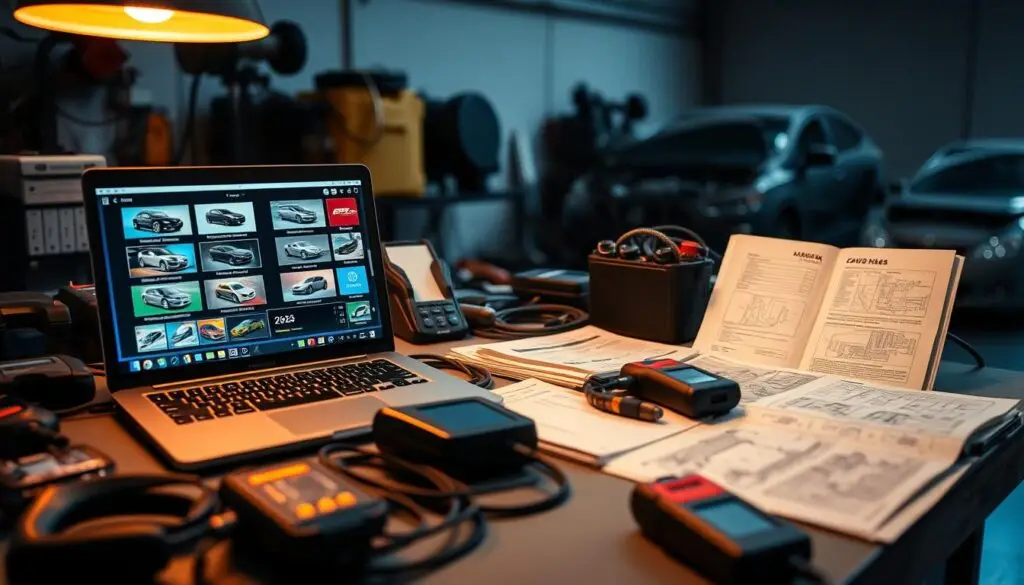
All-makes code scan and clear
Major fall releases deliver broad code scan and clear across all major makes for the new model year. Technicians can sweep modules, capture fault snapshots, and clear confirmed codes in one pass, cutting setup time across mixed fleets. This expansion improves triage for drivability, aftertreatment, and network faults while shortening the jump from health reports to action.
Expanded functional tests
With 70,000 newly indexed systems and 600 added functional tests, coverage stretches from powertrain to body and chassis. These additions augment procedures for forced regens, calibrations, and parameter changes that keep late-model diesels compliant. The scale of the update reduces tool swapping and keeps diagnostics anchored to one platform, improving throughput during peak hours.
Legacy vehicle support
Legacy vehicle support remains intact alongside 2025 diagnostic coverage so older fleets get the same access to data PIDs, actuation, and reset routines. That continuity limits comebacks when pre-DEF and early-DEF engines roll in. By confirming capabilities ahead of time with online vehicle coverage guides, schedulers can stage parts and lock appointments, raising shop productivity without adding bays.
Guided Diagnostics and Technician-Informed Data
Advanced diagnostic platforms blend field feedback and engineer validation to create guided workflows that speed decisions and reduce mistakes. The result is a consistent diagnostic process across bays and shifts, helping less experienced technicians reach accurate conclusions faster.

Component tests and location images
Exclusive guided component tests walk technicians step by step and pair each task with clear component location images. This reduces hunt time on crowded engine bays and standardizes procedures for repeatable results. When paired with a diesel laptop and OEM applications, the same process flags suspect PIDs and logs actions so shops can compare before-and-after values.
Real-fix data and PID flags
Modern platforms add thousands of real-fix entries drawn from actual repairs and vetted by engineers. These entries include PID flags, images, and targeted repair tips that cut noise and point straight to causes. Technicians see what worked on similar faults and engines, then apply the steps with confidence while the system documents outcomes for quality control.
Pre-job verification with coverage guides
Before a truck hits the bay, an online coverage guide confirms which tests are supported for that VIN—forced regens, code clearing, calibrations, and more. Planning around the coverage guide helps assign the right laptop, adapter, and time slot. These checks align with shop standards and integrate with diagnostic utilities to schedule regens, generate health reports, and attach fault histories to work orders.
The HDJ Perspective
The 2025 diagnostic tool market rewards shops that invest in capability over convenience. While handheld scanners and basic code readers have their place, the complexity of modern emissions systems—DEF dosing, SCR efficiency, DPF management—demands laptop-based platforms with OEM-level software access. Fleets that bring these functions in-house aren’t just saving on dealer visits; they’re building institutional knowledge that compounds over time. Every forced regen performed, every injector coded, every parameter adjusted becomes documented shop history that informs future repairs and training.
Choosing the Right Diesel Diagnostic Software Platform
Shops choose diagnostic software platforms that match their bays, brands, and budgets. The right mix blends dealer-level solutions for depth with multi-brand suites for breadth, keeping trucks, agricultural equipment, and construction machinery running.

Dealer-level suites vs. multi-brand tools
Dealer-level solutions mirror OEM workflows and unlock advanced bidirectional tests, calibrations, and parameter edits. Multi-brand diagnostic suites streamline mixed fleets with one interface and fast VIN-to-system mapping. Buyers weigh software renewals for fresh coverage and expert content against no-subscription kits that ship ready to use.
Heavy-duty sector coverage
Coverage must span heavy-duty sectors where uptime is critical. On-highway tractors, off-highway loaders, agriculture tractors from John Deere and Case IH, construction equipment from Caterpillar and Komatsu, and marine diesels all demand precise diagnostic access. Platforms that map components and aftertreatment across these categories reduce guesswork and speed triage in the field or shop.
Popular diagnostic utilities
Diesel Explorer stands out for quick regens, clear fault handling, and crisp health reports across mixed makes. Paired with a stable adapter, it helps technicians move from symptom to action in minutes. When combined with multi-brand diagnostic suites or dealer-level solutions, these utilities complement workflows and support accurate documentation that service writers can trust.
Free Professional Fleet Tools
Cost calculators, fault code lookup, maintenance planners, and more—built for owner-operators, fleet managers, and diesel techs. No signup required.
Adapter and Cable Considerations for Reliable Connectivity
Stable data flow starts with proven diagnostic adapters and the right heavy-duty cables. The Nexiq USB-Link 3 wired and wireless units are common choices in professional kits because they maintain connectivity reliability during demanding shop work and roadside calls. Both variants handle J1939 and J1708 traffic so mixed fleets stay covered without swapping interfaces.
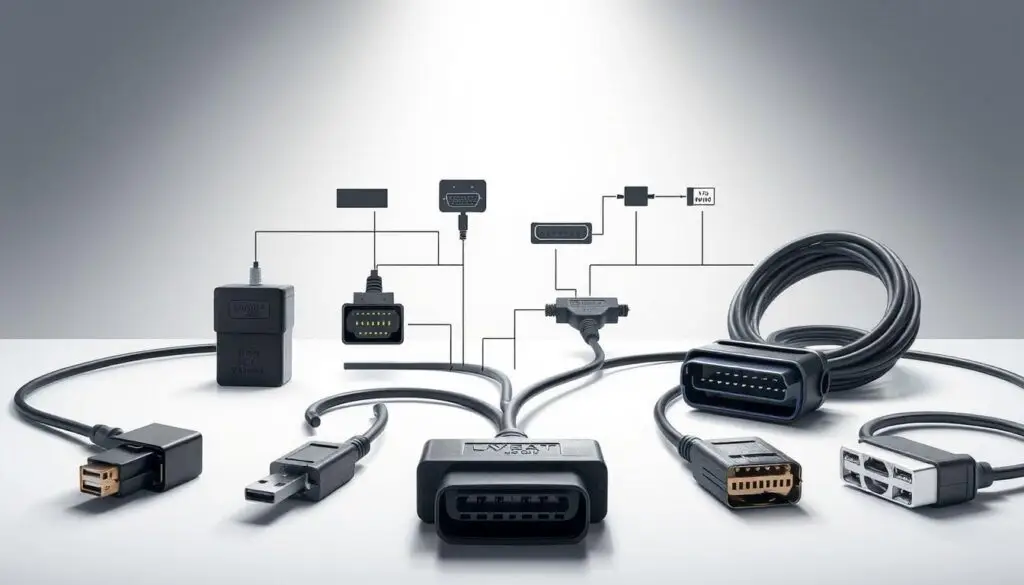
Pairing the adapter with proper leads is equally important. Correct pinouts, quality shielding, and secure latching reduce dropouts when running regens, parameter updates, or calibrations. Shops that standardize on the wired USB-Link 3 often prefer its rock-solid tether for long sessions. Crews moving truck to truck favor the wireless Bluetooth version for mobility without sacrificing protocol support.
Key Recommendation
Choose vetted diagnostic adapters, match cables to the vehicle connector type, and verify protocol support before connecting. This prevents signal dropouts during critical bidirectional tests and protects diagnostic integrity.
Buying Guide: Cost Ranges and Total Cost of Ownership
Smart buyers look past sticker price to weigh diagnostic laptop pricing, update paths, and support. The right mix can lower total cost of ownership while keeping bays productive and trucks moving.
Typical kit pricing
Professional kits with rugged laptops, OEM-level applications, and a Nexiq USB-Link 3 generally run $3,500 to $6,500. Packages that include diagnostic utilities and key adapters often reduce add-on spend. The Commercial Vehicle Safety Alliance notes that unresolved diagnostic issues frequently contribute to roadside inspection failures—making diagnostic investment directly tied to compliance and operational continuity.
No-subscription vs. renewal models
Some sellers promote one-price bundles with no subscriptions and two-year warranties. Others use software renewals to deliver feature growth and coverage additions. Evaluate how often you need updates and training. If your bay handles late-model engines with evolving emissions systems, planned renewals can be the safer bet for maintaining coverage.
Warranty and financing options
A strong two-year warranty on hardware and adapters can prevent mid-cycle surprises. Confirm access to repair information and coverage guides, since those resources curb time-to-fix and support costs. Many providers offer financing with weekly payments, easing the capital hit while preserving upgrade cadence. Match terms to seasonal work and maintenance windows for predictable spending.
| Purchase Model | Typical Cost | Best For |
|---|---|---|
| No-subscription bundle | $3,500–$5,500 one-time | Shops with stable fleet compositions |
| Renewal-based platform | $4,000–$6,500 + annual updates | Operations with newer equipment |
| Financed package | Weekly payments available | Cash-flow conscious buyers |
Who Benefits Most: Owner-Operators, Fleets, and Independent Shops
Across U.S. highways and shops, access to in-house dealer-level tools is changing how trucks get fixed. The right mix of software, adapters, and training drives uptime gains while keeping costs in check. The payoffs look different for each user, but the goal is the same: faster answers and fewer roadblocks.
Owner-operators
Owner-operator diagnostics cut the wait and the tow. A rugged laptop running multi-brand suites can read and clear codes, perform forced regens, and handle parameter updates before a dealer visit is even on the calendar. With tools like the Nexiq USB-Link 3 and diagnostic utilities, single-truck businesses see real uptime gains and fewer surprise bills.
Providers offering no-subscription packages with two-year warranties lower barriers to entry. For operators who prefer renewals and financing choices, alternative vendors support add-ons and growth paths without locking the truck to a single shop.
Fleet operations
Large and mid-size fleets boost maintenance efficiency by standardizing laptops, adapters, and repeatable workflows. In-house dealer-level tools let managers schedule regens, pull health reports, and triage faults across mixed makes in minutes instead of days. Rolling out unified coverage and shared data helps crews stage parts earlier and reroute assets with confidence.
The FMCSA’s Compliance, Safety, Accountability program tracks vehicle maintenance violations that affect safety scores—making proactive diagnostics a compliance strategy as much as a cost control measure.
Independent repair shops
Independent shop profitability rises when technicians pair OEM-level coverage with guided component tests and real-fix data. The 2025 updates—spanning 70,000 new systems, 600 added functional tests, and code scan and clear for all makes—open doors to emissions, calibration, and aftertreatment work once reserved for dealerships. Shops that invest in training and document results deliver faster estimates and fewer comebacks.
| User Type | Primary Gain | Operational Impact |
|---|---|---|
| Owner-operator | Lower costs and faster fault triage | Fewer tows, less dealer dependence |
| Fleet operation | Standardized processes and efficiency | Controlled maintenance windows |
| Independent shop | Expanded service menu and margins | Higher throughput, broader coverage |
Setup and Best Practices for Faster Diagnostics
Effective diagnostic workflows start before the truck arrives. Preparation, standardization, and documentation separate shops that turn bays efficiently from those losing time to avoidable delays.
Pre-job preparation
Start the diagnostic setup with a rugged laptop running OEM and multi-brand software, paired with a verified adapter like the Nexiq USB-Link 3. Before a truck rolls in, check online coverage guides to confirm regens, code clearing, and calibrations are supported for that VIN range. This simple prep step cuts wait time and reduces guesswork at the bay.
Standardized workflows
Use guided tests and component location images to standardize the approach. Add PID flags and real-fix data to every worksheet so patterns stand out during repeat visits. These habits drive workflow optimization and minimize comebacks across the week. The Technology & Maintenance Council’s Recommended Practices provide industry-vetted procedures that complement diagnostic platform workflows.
Documentation and training
Leverage diagnostic utilities to run regens, clear faults, and document health reports at intake. Baseline data helps managers track trends and gives technicians a clear starting point. Keep update cycles current to capture new systems and functional tests when releases expand coverage. Maintain a shared knowledge base with screenshots, health reports, and guided test results to keep technician training active.
Quick Reference: Diagnostic Setup Checklist
- Hardware: Rugged laptop with OEM/multi-brand software, verified Nexiq adapter
- Pre-job: Confirm VIN coverage for planned tests via online guide
- Procedure: Use guided tests and document PID values throughout
- Documentation: Capture baseline health reports at intake
- Maintenance: Keep software current with scheduled update cycles
Frequently Asked Questions
What is the difference between a diesel laptop and a handheld scanner?
A diesel laptop is a rugged computer preloaded with OEM-level diagnostic software covering multiple brands like Cummins, Detroit Diesel, and Caterpillar. It handles advanced functions including forced regens, injector coding, parameter programming, and calibrations across engine, aftertreatment, and transmission modules. Handheld scanners are faster for basic code reads but typically lack coverage for dealer-level functions like forced regens and injector calibrations. For mixed fleets requiring comprehensive diagnostics, laptops deliver significantly broader capability.
How much does a professional diesel diagnostic kit cost?
Professional diesel diagnostic kits with rugged laptops, OEM-level software, and a Nexiq USB-Link 3 adapter typically range from $3,500 to $6,500. Pricing varies based on software coverage, included adapters, and whether the package uses a subscription model or one-time purchase. Some vendors offer no-subscription bundles with two-year warranties, while others provide renewal-based models with ongoing updates and expanded coverage.
What diagnostic functions require a diesel laptop vs. dealership service?
Modern diesel laptops can perform most dealer-level functions in-house, including reading and clearing DTCs, forced DPF regenerations, parameter updates, injector coding, sensor calibrations, and aftertreatment system diagnostics. Tasks still requiring dealership visits typically include ECM reflashing that requires OEM licensing, warranty-related programming, and certain emission system recalibrations tied to manufacturer authorization. For routine diagnostics and maintenance, a properly equipped laptop eliminates most dealership dependencies.
Which adapter works best for heavy-duty truck diagnostics?
The Nexiq USB-Link 3 remains the industry-standard adapter for professional heavy-duty diagnostics. It supports both J1939 and J1708 communication protocols used across commercial truck platforms. The adapter is available in wired USB and wireless Bluetooth configurations. Wired versions provide rock-solid connectivity for extended diagnostic sessions, while wireless models offer mobility for crews moving between vehicles. Quality cables with proper shielding and secure latching are essential for reliable data transfer.
What 2025 diagnostic coverage updates should fleets know about?
The 2025 diagnostic landscape brings significant coverage expansion. Major fall releases added 70,000 new systems and 600 functional tests, enabling all-makes code scan and clear that supports aftertreatment and emissions diagnostics. Coverage now extends deeper into ADAS, body control modules, and telematics gateways while maintaining legacy vehicle support for older engine families. These updates help technicians diagnose DEF dosing, NOx sensors, and SCR efficiency issues on late-model trucks while still servicing pre-emissions era equipment.
Making Diesel Diagnostic Software Work for Your Operation
Diesel diagnostic software in 2025 gives U.S. shops and fleets dealer-level diagnostics without the dealership wait. Rugged laptops pair OEM programs with heavy-duty tools to keep bays moving and protect uptime. With multi-brand coverage and adapters like the Nexiq USB-Link 3, technicians can move from scan to fix in one session while staying connected on the road or in the shop.
The investment decision comes down to matching capability to your operation. Owner-operators gain independence from dealer schedules. Fleets standardize on platforms that scale across mixed equipment. Independent shops expand service menus into emissions and aftertreatment work. Across all three, the payoff is the same: faster diagnostics, fewer tows, and trucks that stay productive.
Share This Guide With Your Team
Know a fleet manager or shop owner evaluating diagnostic tools? Share this guide to help them make an informed decision.