
Running a heavy-duty repair shop demands more than wrenches and diagnostic tools. Today’s diesel repair facilities need powerful heavy duty shop software to manage complex fleet operations and keep trucks rolling. Shop owners face a critical decision when selecting the right platform that fits their unique operational needs.
Three major platforms dominate the diesel repair market in 2025. MaintainX brings fleet service expertise with robust preventive maintenance tracking. Mitchell offers comprehensive shop management modules with deep estimating capabilities. Fullbay stands out with features built exclusively for diesel repair shops and technician-focused workflows.
Each platform promises to reduce paperwork and boost shop efficiency. The right software eliminates late nights spent on administrative tasks and improves customer communication. This comparison examines real-world capabilities that matter most to shop owners and technicians working on commercial vehicles daily.
Key Takeaways
- Fullbay focuses exclusively on diesel repair shops: Technician-friendly mobile interfaces and MOTOR integration for parts cross-referencing
- MaintainX offers strong fleet service management: Automated appointment reminders and centralized workflow dashboards
- Mitchell provides comprehensive estimating modules: Transparent customer quotes and detailed financial reporting
- Cloud-based systems enable real-time visibility: Track shop workflows, technician performance, and inventory levels instantly
- Electronic payment processing speeds cash flow: Transactions complete in under 10 seconds with automated accounting integration
Understanding Heavy Duty Shop Software Requirements for Modern Repair Facilities
Modern diesel repair facilities face unique challenges that demand specialized software solutions. With 58% of auto repair shops already embracing digital management tools, selecting the right platform requires careful evaluation of essential capabilities.
The transition from paper-based systems to digital platforms delivers faster invoicing, streamlined parts management, and improved scheduling that directly impacts revenue. Cloud-based solutions have become the industry standard, offering accessibility and reliability that on-premise systems cannot match.
Core Features Every Diesel Shop Needs
Service order management sits at the heart of efficient workflows, enabling shops to track jobs from initial estimate through completion. Digital approval systems eliminate phone tag between service advisors and customers, accelerating authorization processes for repairs.
Core tracking and credit management help shops maintain profitability on expensive diesel components that require deposits and exchanges. These specialized features distinguish heavy duty platforms from generic automotive solutions.
Essential capabilities include automated job estimates with touchscreen interfaces that speed up quote generation. Canned job templates for routine repairs like oil changes and brake services reduce data entry time significantly.
Real-time inventory tracking with low-stock alerts prevents delays from missing parts. Integrated payment processing enables faster transactions and improved cash flow. Comprehensive reporting dashboards provide business insights into technician productivity, revenue trends, and parts usage patterns.
Integration Capabilities with Fleet Management Systems
Seamless connectivity between repair software and fleet management platforms eliminates duplicate data entry. Leading solutions offer DVIR (Driver Vehicle Inspection Report) integration that automatically converts reported defects into service orders.
This automation reduces errors and accelerates repair turnaround times for commercial fleets. According to the Federal Motor Carrier Safety Administration, proper documentation of vehicle inspections is critical for DOT compliance.
Popular integrations connect with financial tools like QuickBooks and Xero for automated accounting synchronization. Customer communication systems send automatic status updates via SMS and email, keeping fleet managers informed throughout the repair process.
Scalability Considerations for Growing Operations
Successful diesel shop management software adapts to different shop roles and growth stages. Cloud-based platforms provide 99.9% uptime guarantees and daily automated backups, ensuring data accessibility as operations expand across multiple locations.
Role-based features support various team members effectively. Owners monitor shop metrics and financial performance through executive dashboards. Technicians track their earnings independently and access technical resources from mobile devices.
Service managers assign work efficiently and balance bay capacity. Parts managers handle cross-referencing and inventory replenishment seamlessly.
| Shop Size | Key Requirements | Recommended Features |
|---|---|---|
| 1-3 Bays | Basic work order tracking | Mobile app access, simple invoicing |
| 4-10 Bays | Multi-technician scheduling | Labor guides, inventory alerts |
| 10+ Bays | Enterprise reporting | Multi-location support, API access |
Fullbay Platform Overview: Built Specifically for Heavy-Duty Repair Shops
Fullbay stands out among fleet service management software options by focusing exclusively on heavy-duty repair shops. Unlike generic solutions that serve multiple industries, Fullbay designs every feature specifically for diesel technicians and shop owners who work on commercial vehicles daily.
Cloud-Based Architecture and Data Security
Shop data remains protected through Fullbay’s encrypted cloud infrastructure with enterprise-grade security protocols. Multiple backup systems ensure information stays safe even if local devices fail.
Shop owners access critical business data from any device without worrying about server maintenance or IT infrastructure costs. The platform maintains 99.9% uptime while automatically backing up data every hour.
Recovery processes restore information quickly in the rare event of system issues. This cloud-first approach eliminates the need for expensive on-premise hardware and dedicated IT staff.
Technician-Centric Design Philosophy
Fullbay recognizes that technicians generate revenue by turning wrenches, not filling out paperwork. The interface eliminates unnecessary steps and reduces time spent on administrative tasks that don’t contribute to billable hours.
Technicians quickly create work orders, track parts usage, and update job status without leaving the shop floor. Touch-optimized interfaces work seamlessly on tablets mounted near service bays.
This focus on efficiency helps shops increase billable hours while maintaining accurate records for warranty claims and customer documentation. Simplified workflows mean less training time for new hires.
MOTOR Integration for Parts Cross-Reference and Labor Guides
Access to MOTOR’s extensive commercial vehicle database transforms parts ordering and job estimation accuracy. According to MOTOR, their database covers over 35,000 vehicle configurations and millions of parts.
Technicians cross-reference parts across manufacturers, reducing errors from incorrect part numbers. Current labor times based on vehicle make and model improve estimate accuracy and technician scheduling.
Interactive wiring diagrams display directly within the platform, eliminating trips to reference manuals or separate websites. Step-by-step service guides for commercial vehicles ensure proper repair procedures and reduce comeback rates.
Whip Around DVIR Integration Features
Driver Vehicle Inspection Reports flow directly into Fullbay through Whip Around integration, creating a seamless connection between driver observations and shop workflows. Service requests generate automatically from reported defects, eliminating manual data entry.
This automated connection reduces response times for safety-critical repairs. Fleet managers receive immediate notifications when drivers report issues, while shop schedulers see new work requests instantly.
The integration improves fleet uptime by accelerating the path from problem identification to repair completion. Shops handling large fleet accounts save hours of administrative time weekly through this automation.
MaintainX Capabilities for Fleet Service Management
MaintainX transforms fleet service operations by delivering a comprehensive platform that addresses the unique challenges of managing multiple vehicles and preventive maintenance schedules. This system centralizes critical functions into one streamlined interface.
The platform excels at creating customized fleet maintenance checklists that ensure consistent service quality across all vehicles. Service managers build detailed audit trails for DOT compliance tracking while monitoring real-time maintenance progress through a mobile-first interface.
Technicians access work orders, update repair statuses, and document service activities directly from smartphones or tablets. The mobile interface reduces friction between field work and administrative documentation.
Key MaintainX Features for Diesel Shops
Automated appointment reminders notify drivers about upcoming service requirements, reducing missed maintenance windows. Centralized workflow dashboards manage vehicles, parts inventories, tools, and technician schedules from a single screen.
Advanced reporting tools identify profitable service types and track technician productivity metrics for performance optimization. Multi-team collaboration features streamline communication between service advisors, technicians, and fleet managers.
The platform generates insightful fleet maintenance reports that help managers identify trends, optimize service intervals, and reduce vehicle downtime. Historical data analysis reveals patterns in component failures, enabling proactive part ordering.
Mitchell Heavy-Duty Module: Comprehensive Shop Management Features
Mitchell’s heavy-duty module delivers a complete suite of shop management system features designed specifically for diesel repair facilities. The platform combines decades of automotive industry expertise with specialized tools for commercial truck maintenance and repair operations.
Shops using Mitchell benefit from streamlined workflows that handle every step from initial customer contact through final payment collection. The system’s strength lies in its detailed estimating capabilities and comprehensive reporting tools.
Estimating and Invoicing Workflows
Mitchell’s estimating tools help shops build customer trust through transparent, detailed quotes that break down every component. The truck repair estimate software creates itemized breakdowns of parts and labor costs, showing customers exactly where their money goes.
Technicians convert approved estimates into work orders with a single click, eliminating duplicate data entry that wastes time. This seamless transition maintains data integrity throughout the repair process.
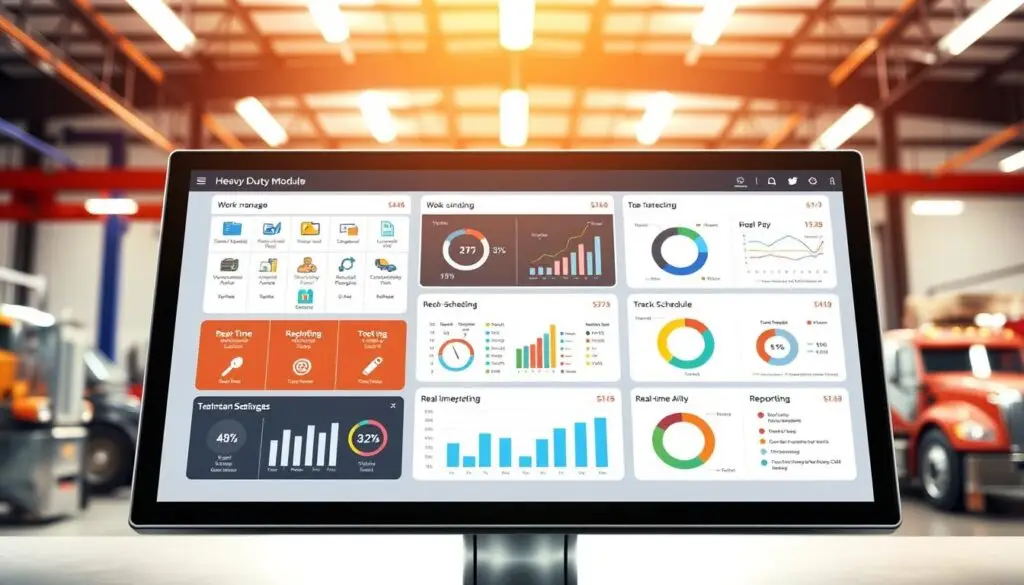
The invoicing system speeds up payment collection through digital capabilities and automated workflows. Shops create professional invoices, send them electronically via email or SMS, and track payment status in real time.
Electronic signature capture reduces paperwork while maintaining complete digital records for compliance auditing and warranty documentation. This paperless approach saves shops hours of filing and organization time.
Parts Inventory Management Tools
Managing parts inventory across multiple shop locations becomes straightforward with Mitchell’s tracking system. The software monitors stock levels automatically and alerts managers before critical parts run out, preventing repair delays.
Smart ordering features analyze usage patterns to maintain optimal inventory levels without tying up excess capital in slow-moving parts. The system tracks parts from order placement through installation and invoicing.
Core tracking manages deposits and returns for remanufactured components common in diesel repair. Multi-location visibility shows parts availability across all shop branches, enabling efficient transfers and reducing emergency orders.
Reporting and Analytics Dashboard
Mitchell’s analytics provide complete visibility into shop performance metrics that drive business decisions. Revenue tracking shows income trends by service type, customer segment, or time period.
Profit analysis breaks down margins on each job category, revealing which services generate the highest returns. Appointment monitoring helps maximize bay utilization by identifying scheduling gaps and bottlenecks.
Technician productivity metrics track efficiency ratings, flag time, and jobs completed per day. These insights transform raw operational data into actionable strategies for improving profitability and customer satisfaction.
Real-Time Shop Visibility and Workflow Management Comparison
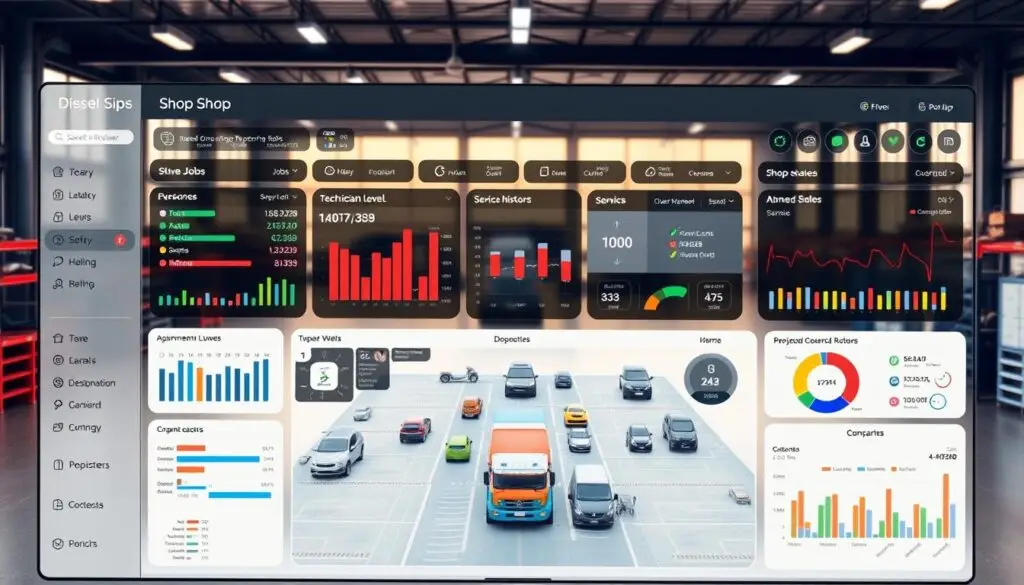
Managing a busy diesel repair facility requires complete visibility into daily operations across all service bays. Modern diesel shop management software transforms how service managers track repairs, assign work, and monitor productivity.
The best platforms provide instant access to critical shop data that drives decision-making. Active work order status and technician assignments display in real time, showing exactly what’s happening in each bay.
Essential Visibility Features
Labor capacity and utilization rates reveal scheduling opportunities and bottlenecks. Parts availability and inventory levels prevent delays from stockouts. Revenue tracking and profit margins show financial performance by service category.
DOT inspection scheduling and compliance monitoring ensure regulatory requirements stay current. These real-time metrics enable proactive management rather than reactive problem-solving.
Workflow Automation Capabilities
Leading platforms eliminate repetitive tasks through intelligent automation. Smart systems create templates for common repairs like oil changes and brake services. Inventory automatically updates when parts are allocated to work orders.
Payment processing completes without manual intervention through integrated card readers and digital payment systems. These automations free up staff to focus on customer service and technical work.
Mobile access takes efficiency to the next level for both managers and technicians. Service advisors update repair status from anywhere in the shop while owners monitor progress remotely from home or other locations.
This real-time connectivity keeps everyone informed and reduces costly communication delays that slow down repair completions. The most effective systems integrate seamlessly with existing business platforms.
Technician Productivity Tools and Mobile Access Features
Modern heavy duty shop software transforms how technicians work by putting powerful tools directly in their hands through mobile devices. Mobile-first design allows mechanics to access critical information from tablets and smartphones right at the vehicle.
This shift in workflow design recognizes technicians as the primary revenue generators who need streamlined access to technical resources. Eliminating trips back to the office computer saves billable time and increases daily job completion rates.
Digital Inspection Forms and Documentation
Digital inspection capabilities revolutionize pre-trip and post-repair documentation processes. Technicians monitor critical commercial vehicle systems including engine idle times and fault codes, battery voltage levels, speed governor settings, and DTC error codes.
These digital forms integrate seamlessly with fleet service management software, creating permanent records that protect both shops and customers during warranty disputes. Photos and videos attach directly to inspection reports, providing visual documentation of issues.
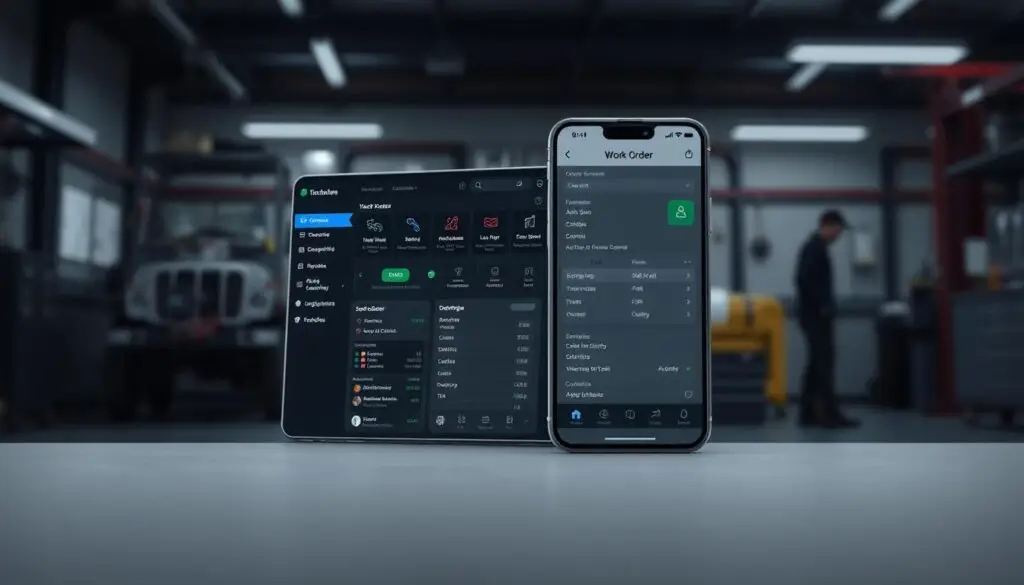
Time-stamped entries create audit trails for compliance reporting and quality assurance reviews. This documentation proves invaluable when disputes arise about repair recommendations or work performed.
Labor Time Guides and Wiring Diagrams Access
Real-time access to technical resources speeds repairs significantly and improves accuracy. Through MOTOR integration, technicians receive current labor times for specific vehicle makes and models, enabling more precise job estimates.
Interactive wiring diagrams display on mobile devices with zoom functionality for detailed circuit tracing. Step-by-step service procedures guide complex repairs, reducing comeback rates and improving first-time fix percentages.
Technical service bulletins and recall information appear automatically based on vehicle VIN lookup. This instant access to manufacturer specifications eliminates guesswork and reduces diagnostic time on unfamiliar systems.
Performance Tracking and Earnings Management
Transparent productivity metrics motivate teams while providing fair compensation tracking. Technician portals display real-time statistics including hours worked, jobs completed, and efficiency ratings compared to flat-rate times.
This visibility helps mechanics maximize their earning potential while shop managers identify training opportunities. The best platforms calculate commissions automatically based on labor hours billed versus actual time spent.
Detailed breakdowns show earnings by job type, revealing which services generate the highest technician income. Performance trends over time help mechanics set goals and track improvement in their diagnostic speed and repair quality.
Payment Processing and Financial Integration Capabilities
Managing finances in a heavy-duty repair shop requires efficient payment processing and seamless accounting integration. Modern shop management system features include various electronic payment methods and automated financial tools that streamline billing operations.
These capabilities reduce manual errors and speed up cash flow for diesel repair facilities. Fast payment processing directly impacts working capital and operational efficiency.
Electronic Payment Options and Processing Speed
Today’s repair shops need fast, reliable payment processing to keep operations running smoothly. Leading platforms offer credit card and ACH processing with terminals that complete transactions in under 10 seconds.
Shops accept payments through traditional card readers or digital systems like TorquePay integrated directly into the shop management software. Payment processing must comply with PCI Security Standards to protect customer financial data.
Flat-rate pricing structures eliminate surprise processing fees, making financial planning easier for shop owners. Customers appreciate multiple payment options including contactless payments, digital wallets, and traditional card swipes.
Accounting Software Synchronization
Double-entry bookkeeping wastes valuable time in busy repair shops. Modern platforms integrate directly with QuickBooks, Xero, and other accounting tools through automated data synchronization.
This connectivity automatically transfers invoice data, payment records, and tax information between systems without manual intervention. Shop managers generate invoices quickly and send electronic payment receipts instantly via email or SMS.
Real-time synchronization ensures accounting records stay current without daily reconciliation tasks. Year-end tax preparation becomes simpler with organized digital records and automated expense categorization.
Automated Billing and Tax Rate Management
Automated billing features calculate parts markup percentages and apply correct tax rates based on shop location and customer jurisdiction. Shops set custom markup rules for different customer types such as retail, wholesale, or fleet accounts.
Service-specific pricing enables variable rates for warranty work versus customer-pay repairs. The software tracks unpaid invoices with filtering options to identify overdue accounts requiring follow-up.
Automated payment reminders send to customers approaching due dates, reducing late payments. Digital payment records eliminate paper filing systems and provide instant access to complete financial transaction history.
| Payment Feature | Fullbay | MaintainX | Mitchell |
|---|---|---|---|
| Credit Card Processing | Under 10 seconds | 15-20 seconds | 10-15 seconds |
| Digital Payment Options | TorquePay included | Third-party only | Partner integration |
| Accounting Integration | QuickBooks, Xero | QuickBooks | Multiple platforms |
| Tax Management | Automated by location | Manual setup | Automated rules |
Customer Communication and Service Management Tools
Modern diesel shop management software transforms how repair facilities interact with customers through integrated communication tools. Built-in customer relationship management features enable shops to send real-time updates through email and SMS notifications automatically.
These automated messages keep technicians, service advisors, and customers informed throughout the entire repair process without manual follow-up calls. Communication automation saves hours of phone time weekly for busy service writers.
Online Appointment Scheduling
Online appointment scheduling has become essential for busy diesel repair shops managing fleet accounts and walk-in customers. Customers book their own appointments using intuitive dashboards that display available time slots and service dates.
This self-service approach reduces phone interruptions and allows service writers to focus on more complex customer interactions and estimate approvals. Calendar integration syncs with shop scheduling systems, ensuring real-time availability updates.
Automatic appointment reminders sent 24-48 hours before scheduled services help minimize no-shows and keep both shops and customers on track. Text message confirmations provide easy one-click responses for customers to confirm or reschedule appointments.
Transparent Estimating and Digital Approvals
Transparency in estimating builds trust between shops and customers by showing exactly where repair costs come from. Leading systems break down estimates into clear categories with detailed line items.
Estimates include individual line items for each repair with part numbers and descriptions, total labor hours and hourly rates by technician skill level, and parts costs with markup percentages clearly shown. Shop supplies and environmental fees appear itemized separately.
Digital approval workflows eliminate the back-and-forth of traditional paper estimates. Customers receive detailed estimates via email or text message with embedded links to review full details.
Single-click approval converts estimates to authorized work orders instantly, reducing delays that keep vehicles in the shop longer. Declined estimates trigger automatic follow-up sequences to address customer concerns.
Pricing Analysis and ROI Considerations for Diesel Shop Management Software
Investing in heavy duty shop software requires careful evaluation of costs versus benefits over multiple years. Real-world results show diesel repair shops recovering thousands of dollars in previously unbilled parts through better tracking systems.
Shop owners report dramatic improvements in cash flow and technician productivity after implementing the right platform. Understanding total ownership costs ensures accurate ROI projections.
Implementation Costs and Training Requirements
Initial setup costs vary significantly between platforms based on shop size and feature requirements. Basic packages start around $200-$500 per month for small shops with 1-3 bays.
Mid-sized operations running 4-10 bays typically invest $500-$1,200 monthly. Enterprise solutions for multi-location operations can reach $2,000+ monthly with advanced reporting and API access.
Training time directly impacts return on investment timelines. Some shop owners report their teams mastering user-friendly systems within 2-3 days of focused training. Complex platforms with extensive feature sets might require 2-3 weeks of adjustment.
Implementation services range from $500 for basic data migration to $5,000+ for custom integrations and workflow configuration. Shops transitioning from paper systems need additional time for historical data entry.
Monthly Subscription vs. One-Time License Models
Most modern fleet service management software operates on subscription pricing models with predictable monthly costs. Monthly plans offer lower upfront costs, automatic updates, and included cloud hosting.
Shops avoid large capital expenditures while maintaining access to the latest features and security patches. One-time license purchases seem cheaper initially but often lack cloud features and require separate maintenance fees.
On-premise installations need dedicated server hardware, backup systems, and IT support that add hidden costs. Subscription models typically include hosting, daily backups, and customer support.
Hidden Fees and Additional Module Pricing
Watch for extra charges beyond base pricing that affect total ownership costs. Common add-ons include advanced reporting modules at $50-$150 monthly for custom dashboards and analytics.
Additional user licenses range $25-$75 per user beyond the base package. Payment processing fees typically run 2.5%-3.5% per transaction plus $0.10-$0.30 per swipe.
Data migration services charge $500-$2,000 one-time for transferring customer records and vehicle histories. Custom integrations with specialized tools cost $1,000-$5,000 depending on complexity.
Mobile device management and tablet hardware add $200-$500 per device for shop floor access. Calculate total ownership costs including training expenses, implementation fees, and ongoing support contracts.
Shops eliminating paper workflows often see ROI within 6-12 months through improved billing accuracy and faster payment collection. Recovered unbilled parts and reduced administrative labor typically offset software costs within the first year.
Conclusion: Selecting the Right Heavy Duty Shop Software for Your Operation
Selecting the right heavy duty shop software starts with matching your shop’s specific needs to each platform’s core capabilities. Fullbay shines with its technician-focused design and complete MOTOR integration that helps shops streamline parts lookup and labor estimation.
Mitchell brings strong estimating tools and comprehensive reporting features that appeal to shops prioritizing detailed analytics. MaintainX delivers powerful fleet management integration that works exceptionally well for operations managing preventive maintenance across multiple vehicles.
Your decision should factor in several critical elements beyond basic feature comparisons. Cloud-based security with encrypted data protection keeps your shop information safe from hardware failures and security breaches.
Integration options with your current accounting and parts systems prevent workflow disruptions during implementation. The ability to scale as your business grows from 3 bays to 10+ bays protects your technology investment.
Making the Final Decision
The best diesel shop management software choice depends on your specific shop type and operational priorities. Fullbay works exceptionally well for diesel repair shops wanting simplified technician workflows and mobile-first design.
Mitchell suits operations needing detailed estimating capabilities and extensive reporting tools. MaintainX fits shops requiring tight fleet management integration with automated preventive maintenance scheduling.
Smart shop owners look beyond marketing claims when examining platform options. Consider implementation timelines, staff training requirements, and ongoing support quality from the software vendor.
Calculate the real cost including hidden fees for additional modules, payment processing, and user licenses. The right software investment transforms shop operations by cutting administrative tasks and boosting technician productivity.
Your final choice should align with both current operational needs and future business growth goals. Proven return on investment comes from faster job completion times, reduced administrative overhead, and elimination of unbilled parts.
Share Your Expertise
Join Heavy Duty Journal as a guest author and reach thousands of industry decision-makers.
Frequently Asked Questions
What makes heavy duty repair software different from standard automotive repair software?
Heavy duty repair software is specifically designed for diesel and commercial vehicle shops, featuring specialized capabilities like MOTOR integration for commercial vehicle parts cross-referencing, core tracking and credit management for expensive diesel components, and fleet service management tools with preventive maintenance scheduling.
Unlike standard automotive software, these platforms handle complex fleet maintenance schedules, DOT inspection tracking, and integrate with specialized tools like Whip Around DVIR for automatic service request generation from driver reports.
How quickly can shops expect ROI when implementing diesel shop management software?
Most heavy-duty repair shops see immediate returns through reduced administrative time and improved billing accuracy. Users report eliminating thousands of dollars in unbilled parts within the first few months of implementation.
Typical ROI factors include 20-30% increases in technician productivity from mobile access to technical resources, faster payment processing that improves cash flow within 30 days, and prevention of lost revenue from parts stockouts. The combination of automated workflows and real-time visibility typically delivers full ROI within 6-12 months.
Which shop management system features are most critical for diesel repair operations?
Essential features include service order management with digital customer approvals, comprehensive inventory management with multi-location tracking and low-stock alerts, and integrated payment processing for quick transactions under 10 seconds.
Core tracking and credit management for diesel-specific parts requiring deposits, canned jobs for automating common repairs, and in-depth reporting for tracking shop metrics are also critical. Real-time visibility into technician performance, bay utilization, and parts availability maintains operational efficiency.
What are the main differences between cloud-based and on-premise heavy duty repair software?
Cloud-based systems provide encrypted data protection with multiple automated backups, automatic updates without shop downtime, and access from any device or location including mobile phones and tablets.
They offer lower upfront costs with monthly subscription models. On-premise solutions require significant IT infrastructure including dedicated servers and backup systems, manual software updates that may disrupt operations, and higher initial investments. Most modern diesel shops prefer cloud-based solutions for their scalability and 99.9% uptime guarantees.
How do platform reviews help in selecting the right heavy duty shop software?
Professional reviews and user testimonials provide real-world insights into software performance beyond marketing claims. Reviews help identify platform strengths like technician-centric design approaches, intuitive mobile interfaces, and comprehensive reporting capabilities.
Focus on reviews from similar-sized shops with comparable workflows for the most relevant feedback. Look for patterns in feedback regarding implementation timelines, customer support responsiveness, and actual ROI achieved rather than promised features.
What integration capabilities should fleet service management software include?
Critical integrations include accounting software synchronization with QuickBooks and Xero to reduce double-entry, Whip Around DVIR integration for automatic service request generation, and financial tools for streamlined payment processing with sub-10-second transaction times.
Customer communication systems for automated appointment reminders via SMS and email, and parts databases like MOTOR for access to labor times and interactive wiring diagrams are also essential. The software should integrate with existing fleet tracking systems and supplier ordering platforms.
How does mobile access improve technician productivity in heavy-duty shops?
Mobile access enables technicians to stay productive in the bay without trips to the office computer. Features include real-time parts lookup and ordering from tablets mounted near service bays, digital inspection forms with photo and video documentation, and instant access to labor guides and interactive wiring diagrams.
Time tracking directly from mobile devices ensures accurate payroll. Immediate communication with service advisors about repair authorization keeps work flowing. Mobile workflow management displays total shop revenue and individual productivity metrics, keeping technicians focused on billable repairs.
What security measures should diesel shop management software include?
Professional platforms employ encrypted cloud-based architecture with enterprise-grade security protocols, multiple automated data backups performed hourly with 99.9% recovery guarantees, and role-based access controls limiting sensitive information exposure.
Secure payment processing must meet PCI compliance standards for credit card data. Regular security audits and updates address emerging threats. Automatic data recovery capabilities restore information within minutes. Leading platforms prevent data loss through continuous cloud synchronization while maintaining strict access protocols.