By Michael Nielsen, Editor & Publisher | 15+ Years in Diesel Repair
Last Updated: January 2026
📖 Estimated reading time: 18 minutes
Choosing the right engine diagnostics software shapes how quickly your shop turns faults into fixes—and how much those repairs actually cost. With tighter uptime demands and stricter emissions enforcement hitting U.S. fleets in 2025, the gap between adequate and excellent diagnostic capability keeps widening. This comparison examines the OEM platforms and multi-brand tools that professional technicians rely on to keep diesel assets productive, covering Detroit Diesel DDDL 8.21, CAT ET 2025A, Isuzu US-IDSS 2025, Hino DX3, Volvo PTT 2.8 with DevTool, and JPRO Professional for mixed-fleet operations.
Beyond software, we evaluate the hardware interfaces that connect these platforms to vehicle networks—Nexiq USB-Link, DG DPA5, Noregon DLA+, VOCOM adapters, and CAT Comm Adapter III. We also address where fleet telematics from providers like Geotab, Samsara, and Verizon Connect fits into the diagnostic workflow, and what the 2025 software updates mean for shop efficiency.
Key Takeaways
- OEM depth vs. multi-brand speed: Use OEM software (DDDL, CAT ET, IDSS, DX3, PTT) for programming, parameter edits, and deep aftertreatment work; use JPRO for fast triage across mixed fleets.
- Adapter selection matters: Nexiq USB-Link and DPA5 cover most platforms, but Volvo/Mack require VOCOM and Caterpillar work best with CAT Comm Adapter III.
- Telematics complements shop tools: Geotab, Samsara, and Verizon Connect surface fault codes for prioritization, but bi-directional controls and ECU programming still require shop software.
- 2025 coverage expanding: Major platforms now include broader model year support, guided tests with images, and improved emissions diagnostics.
- Total cost includes more than software: Factor hardware, annual renewals, training, and multi-year contract terms into your diagnostic investment.
What Heavy-Duty Engine Diagnostics Software Delivers for Fleet Operations
Modern fleets run on data and speed. Shop teams use Detroit Diesel DDDL, CAT ET, Isuzu IDSS, Hino DX3, Volvo PTT, and JPRO to transform fault codes into clear repair paths. With diesel DTC decoding and live data streaming, they identify root causes faster, reduce downtime, and protect aftertreatment systems that keep trucks emissions-compliant.
Telematics platforms now add operational context to this workflow. Geotab, Samsara, Verizon Connect, and Teletrac Navman TN360 surface engine codes in fleet dashboards and trigger maintenance schedules. In the service bay, technicians pair those remote alerts with deep bi-directional controls and programming capabilities to complete repairs correctly the first time.

Fault-code decoding, live data, and bi-directional testing
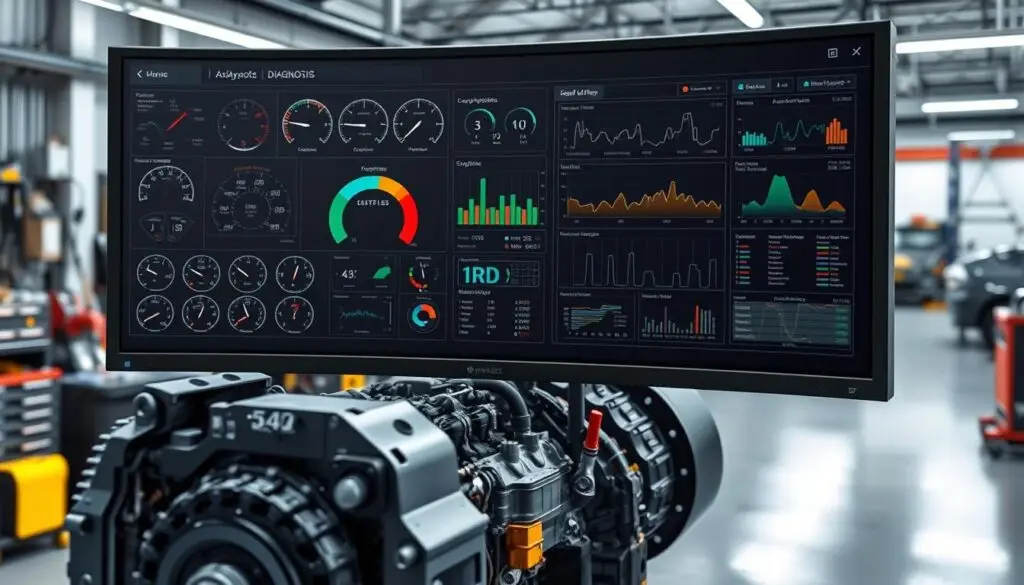
Effective diagnostics begins with accurate diesel DTC decoding and clean visual displays of sensor values. Platforms like JPRO and Volvo PTT show engine, transmission, ABS, and brake data in real time. That live data streaming reveals patterns that static code reads miss and eliminates guesswork during diagnosis.
When sensor values point toward a failing component, bi-directional controls verify the repair path before parts get replaced. Technicians can run cylinder cutout tests, command actuators, and perform SCR dosing checks to confirm system operation. These active tests shorten diagnostic time and reduce unnecessary parts swaps that inflate repair costs.
DPF/SCR regeneration, injector coding, and ECU programming
Aftertreatment health depends on precise service commands. DDDL, DX3, IDSS, and CAT ET trigger DPF regeneration cycles and DEF quality checks to clear accumulated soot and catch dosing faults early. Volvo PTT runs targeted SCR testing and EGR routines that validate sensor accuracy and valve performance under controlled conditions.
When injectors or other fuel system components get replaced, injector coding keeps fuel trims within specification. For deeper repairs requiring software changes, OEM platforms support ECU flash programming and secure parameter edits. This connection between active testing, aftertreatment commands, injector calibration, and programming ensures repairs stay within manufacturer design limits and warranty requirements.
Choosing between OEM and multi-brand diagnostic tools
The OEM versus multi-brand decision comes down to operational tradeoffs. OEM applications like CAT ET, DDDL, IDSS, DX3, and PTT offer the most granular tests, guided diagnostic workflows, and full programming depth. They excel at model-specific calibrations, security-gated functions, and advanced SCR testing that multi-brand tools cannot access.
Multi-brand platforms like JPRO shine in triage scenarios and all-system scans across Cummins, Volvo, Detroit, and Navistar equipment. Many shops run a hybrid stack: a multi-brand scanner for rapid DTC decoding and live data streaming, then OEM software for bi-directional controls, DPF regeneration commands, and programming-level repairs.
Evaluation Criteria for 2025 Diagnostic Platforms
Shops need clear benchmarks to compare diagnostic tools before committing budget. The evaluation baseline is straightforward: verify engine coverage, confirm model year support, meet current regulatory requirements, and deliver the tests that fix trucks efficiently. Hardware compatibility and total cost must align with bay workflows and financial realities.

Coverage: engines, model years, and regulatory alignment
Platform assessment starts with verified diagnostic coverage and confirmed model year support. Look for Detroit DD13, DD15, DD16, and Series 60 engines; Caterpillar 3126B through C15/C18 plus generator sets; Isuzu N-Series and F-Series with 4HK1, 6HK1, 4JJ1, and 6WG1 powertrains; Hino J05E, J08E, A09C, and N04C engines spanning 2010 through 2025; plus Volvo and Mack D11, D13, D16, MP7, MP8, and MP10 across 2013 through 2025 model years. Software should align with current EPA emissions standards for heavy-duty vehicles, including updated fault code sets and sensor diagnostic logic.
Capabilities: regeneration, parameter changes, programming, and advanced tests
Core diagnostic functions must include DPF and SCR regeneration controls, injector coding procedures, and live data with bi-directional test capability. Robust platforms support ECM flashing where authorized and detailed SCR/EGR testing routines. Shops also expect parameter programming access for speed limiters, PTO configuration, idle shutdown settings, and axle ratio changes—with clear audit trails documenting all modifications. Software updates for 2025 should expand test coverage without restricting essential diagnostic workflows.
Interface hardware: adapters and vehicle communication links
Confirm stable vehicle connections using Nexiq USB-Link 2 or USB-Link 3, DG DPA5, and Noregon DLA+ adapters. Volvo and Mack technicians should verify performance with VOCOM I or VOCOM II interfaces, while Caterpillar environments typically rely on the CAT Comm Adapter III. OEM platforms may prefer native vehicle communication interfaces, but many shops run mixed hardware across bays. Evaluate driver support, firmware update availability, and CAN speed handling under heavy diagnostic loads.
Total cost of ownership: licensing, hardware, and support
Calculate expenses beyond the initial purchase. Factor annual licensing costs, software update schedules, and technical support availability. Add hardware investment for adapters like the CAT Comm Adapter III or VOCOM, plus rugged laptops and cables suited for shop environments. For connected diagnostic services, include platform subscription fees and review multi-year contract terms that bundle analytics or remote support features. Pricing scales with feature depth and can increase significantly across a large fleet—confirm renewal terms and coverage changes before signing agreements.
$448–$760/day
Average cost of unplanned fleet downtime per vehicle — Element Fleet Management research
Detroit Diesel DDDL 8.21 for Freightliner and Western Star
Detroit DDDL 8.21 provides OEM-grade diagnostic access for fleets heavily invested in Freightliner and Western Star equipment. The interface delivers clear navigation and workflow-oriented design that moves technicians from fault identification to repair completion without unnecessary steps. Emissions monitoring, live data display, and parameter access are organized for efficient bay-floor operation.
Supported engines: DD13, DD15, DD16, and Series 60
The platform covers DD13, DD15, DD16, and legacy Series 60 engines used across North American line-haul and vocational applications. This breadth maintains visibility into older tractors while fully supporting current Detroit powertrains. Fleets running mixed model years can standardize on one diagnostic tool and maintain consistent workflows across their equipment.
Core functions: ECM diagnostics, live data, and aftertreatment controls
At its foundation, DDDL delivers ECM diagnostics with detailed fault descriptions and guided troubleshooting steps. Live data streams help confirm sensor behavior and validate repairs under load conditions. For aftertreatment service, built-in controls handle DPF regeneration and SCR routines, supporting uptime goals and warranty-compliant procedures.
Shop integration: adapter compatibility
Deployment is straightforward with Nexiq USB-Link and broad DPA5 support, fitting common shop carts and mobile service configurations. Multi-bay operations can standardize on these adapters while maintaining seamless access to Detroit parameters. This keeps Freightliner and Western Star diagnostics unified across different hardware setups in the same facility.
| Focus Area | What It Delivers | Fleet Benefit |
|---|---|---|
| Engine Coverage | DD13, DD15, DD16, Series 60 | One tool spans current and legacy units |
| Diagnostics | ECM faults, live data, system tests | Faster triage and accurate repair paths |
| Aftertreatment | DPF regeneration, SCR controls | Reduced downtime and cleaner compliance |
| Interfaces | Nexiq USB-Link, DPA5 | Flexible setup across shop and field laptops |
| Fleet Fit | Freightliner, Western Star | OEM-level visibility for Detroit-powered fleets |
Consistent tooling and adapter flexibility help crews keep Detroit-powered assets productive through extended service intervals and major repairs alike.
CAT ET 2025A for Caterpillar On- and Off-Highway Equipment
CAT ET 2025A delivers dealer-grade diagnostic control for shops maintaining Caterpillar engines in trucks, earthmoving equipment, and generator sets. The platform combines deep diagnostic capability with efficient navigation, making it practical for both service bay work and field calls. Shops gain the precision needed for parameter access and reliable ECM flash programming without procedural uncertainty.
Injector coding, parameter edits, and ECM flash procedures
With CAT ET’s injector coding functions, technicians align new or rebuilt injectors to each cylinder’s trim values, reducing smoke and restoring fuel balance. The platform also handles parameter edits for idle settings, PTO behavior, and security configurations, with audit trails that maintain accountability for all changes.
For ECM flash programming, CAT ET 2025A manages calibration selection and write sequences built specifically for Caterpillar systems. These workflows reduce downtime after component replacements by ensuring engine software matches current hardware and emissions requirements.
Coverage from 3126B through C15/C18 and generator applications
The platform’s reach spans legacy and current engines, providing comprehensive 3126B support for older fleets while extending to rugged C15 and C18 coverage in trucks, quarry equipment, and standby power installations. This range allows one diagnostic tool to serve mixed model years without constant platform switching.
Field service teams benefit from the 2025A release’s recognition of newer ECM families used in construction equipment and generator sets. That continuity reduces compatibility gaps when engines move between on-highway trucking and off-highway applications.
Hardware: CAT Comm Adapter III and alternatives
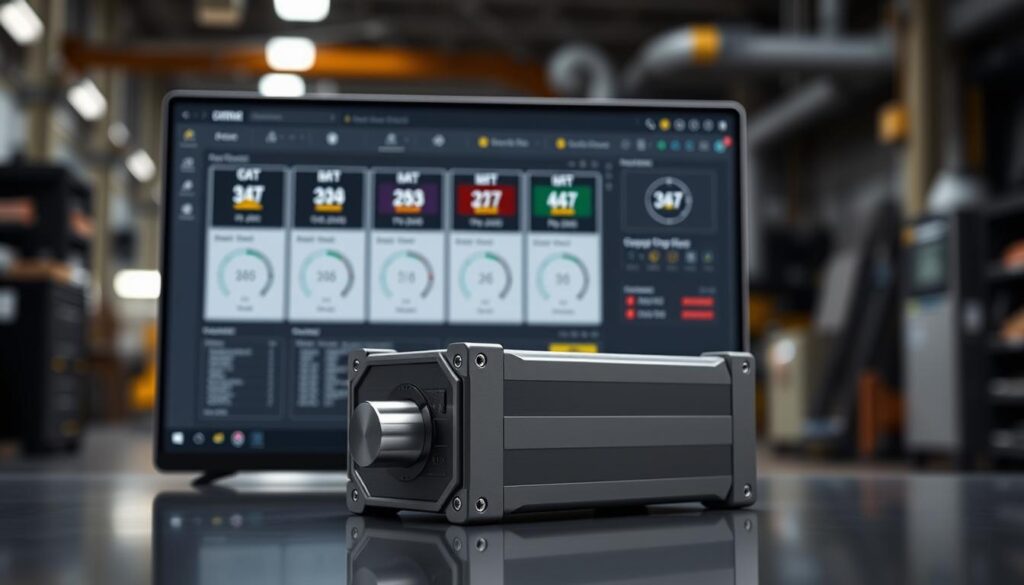
The preferred interface is the CAT Comm Adapter III, which maintains stable data throughput during intensive diagnostic sessions and ECM programming events. Its firmware and cables are optimized for high-load operations in harsh environments.
Some shops operate Nexiq USB-Link 2 or USB-Link 3 as alternatives for basic diagnostic tasks, but OEM hardware remains the preferred choice when injector coding or full flash programming is on the work order. For fleets standardizing their adapter inventory, keeping a CAT Comm Adapter III available ensures complete feature access.
Isuzu US-IDSS 2025 for North American N-Series and F-Series
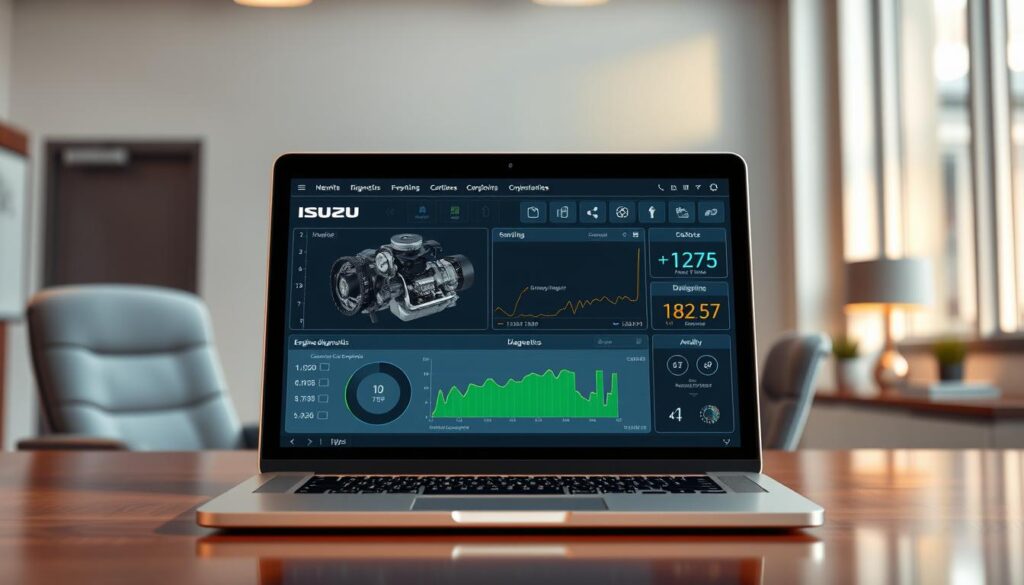
Isuzu IDSS 2025 provides focused diagnostic coverage for U.S. N-Series and F-Series trucks. The platform reads live data streams and DTCs across 4HK1, 6HK1, 4JJ1, 4JH1, and 6WG1 engines, then connects results to actionable repair procedures. Shops gain consistent uptime while maintaining alignment with current EPA requirements for these medium-duty platforms.
The platform’s workflow emphasizes fast triage and precise control. Technicians can move from fault discovery to verified repairs with minimal tool transitions, reducing bay time on recurring issues.
Live data, DTCs, regeneration controls, and chassis diagnostics
Live data display and graphing support N-Series and F-Series diagnostics by exposing sensor drift and intermittent faults as they occur. DTC read and clear functions cover engine, TCM, and brake ECUs with freeze-frame context that accelerates root-cause identification.
Isuzu regeneration controls allow technicians to command parked and service regeneration cycles for loaded DPFs, confirming soot levels and pressure targets after completion. Transmission and brake module access enables health checks and actuation tests, verifying shift quality and wheel-end stability following component replacements or software updates.
Bi-directional controls for EGR, DEF, and DPF systems
With bi-directional EGR, DEF, and DPF functions, IDSS triggers EGR valve sweeps, DEF dosing verification, and complete DPF regeneration sequences. These controls are essential for emissions system maintenance on vehicles operating in demanding urban duty cycles.
Command tests validate sensors and actuators under operating conditions, reducing diagnostic guesswork. Result logs match to component identifiers, supporting warranty documentation requirements for fleet operations.
Interface considerations: OEM VCI and third-party adapters
The software performs best with the Isuzu VCI for maximum stability and full feature access. Many fleets also achieve Nexiq compatibility through USB-Link or DPA5 adapters for mixed-bay workflows, though the OEM interface often delivers the most consistent diagnostic sessions.
IDSS 2025 detects interface capability at session startup and indicates when functions may be limited. For cross-brand shops, validated adapters help standardize cabling while maintaining bi-directional coverage across Isuzu model years.
Hino DX3 Dealer-Level Diagnostic Capabilities
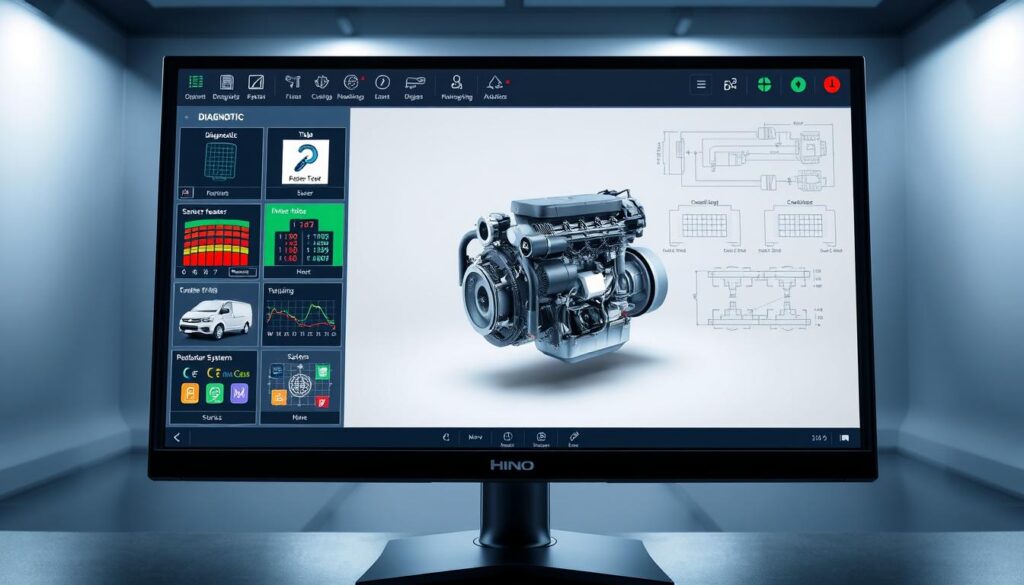
Hino DX3 diagnostics brings dealer-grade capability to independent service operations. Technicians access clear system data, fast fault retrieval, and reliable testing functions that reduce diagnostic time. The platform fits mixed-fleet realities without creating setup complexity.
Models covered: Hino 155, 268, XL7, and 2010–2025 engines
With coverage spanning Hino 155, 268, and XL7 models across J-Series and A-Series powertrains, shops can service model years from 2010 through 2025 within a single diagnostic workflow. This broad support keeps older trucks in rotation while accommodating the latest emissions control strategies.
The practical result is straightforward: fewer tool transitions and smoother handoffs between service writers and diagnostic technicians.
Injector coding, ABS/transmission codes, and DPF regeneration
Core capabilities include Hino injector coding procedures that align replacement injectors to ECM calibration, ensuring smooth idle and balanced fuel delivery. The platform reads and clears ABS and transmission codes with contextual information that helps isolate wiring, sensor, or module problems efficiently.
DPF regeneration control is available on demand, giving shops a clean workflow for managing soot load during road tests or after repairs. Together, these functions meet dealer expectations while remaining accessible for smaller independent operations.
Workshop compatibility with common adapters
Nexiq USB-Link connectivity with Hino DX3 is stable and well-proven, and the platform also works reliably with DPA5 and Noregon DLA+ adapters. This flexibility protects existing hardware investments and supports fast bay-to-bay equipment moves.
Whether addressing emissions aftertreatment concerns, transmission shift complaints, or brake system warnings, Hino DX3 maintains consistent behavior across interface options.
| Focus Area | What It Delivers | Shop Benefit | Coverage |
|---|---|---|---|
| Model Support | Hino 155, 268, XL7 (2010–2025) | One tool spans legacy and late-model trucks | J-Series, A-Series platforms |
| Fuel System | Injector coding with ECM alignment | Restores smooth operation after replacements | Common-rail diesel systems |
| Chassis Diagnostics | ABS and transmission code access | Speeds root-cause isolation | ABS, TCM, and related modules |
| Emissions Control | DPF regeneration command and monitoring | Manages soot load efficiently | Aftertreatment service |
| Interface Options | Nexiq USB-Link, DPA5, Noregon DLA+ | Leverages existing adapters | USB and Bluetooth VCIs |
Volvo PTT 2.8 with DevTool for Volvo and Mack
Volvo PTT 2.8 integrates with the factory diagnostic workflow technicians expect on Volvo and Mack platforms. The platform streamlines Mack diagnostics while maintaining a clear path to OEM repair procedures and data logging. With DevTool parameter access, shops gain controlled reach into key settings without compromising compliance requirements.
Results emerge quickly when tooling matches the equipment. Using VOCOM I or VOCOM II adapters, diagnostic sessions stay stable through extended data reads and write operations. The platform supports D11, D13, D16 and Mack MP7, MP8, MP10 engines across 2013 through 2025 model years, keeping mixed-age fleets fully covered.
ECU diagnostics, parameter access, and speed limiter configuration
Deep fault tracing with guided decision trees improves Mack diagnostics efficiency and shortens bay time. DevTool parameter access enables measured adjustments including speed limiter configuration where fleet policy permits. Live values and calibration data load quickly through VOCOM I and VOCOM II connected interfaces.
Emissions testing coverage for current trucks
Built-in SCR and EGR tests verify dosing accuracy, valve range, and sensor plausibility on current aftertreatment configurations. Support spans 2013 through 2025 powertrains, aligning with common EPA and CARB Heavy-Duty Low NOx calibrations in U.S. fleet operations. Historical data snapshots help confirm repair outcomes and reduce repeat service visits.
Interface hardware requirements
VOCOM I and VOCOM II are the recommended adapters for full feature access and stable flash programming. Some shops run secondary adapters for read-only diagnostic tasks, but VOCOM maintains consistent write function availability. Technicians benefit from unified cables and drivers that minimize setup time across multiple service bays.
| Focus Area | What It Delivers | Best Practice |
|---|---|---|
| ECU Diagnostics | Code read/clear, freeze frames, guided tests | Use VOCOM II for stable extended sessions |
| DevTool Parameter Access | Secure edits including speed limiter settings | Document pre/post values for compliance |
| Emissions Testing | SCR/EGR tests with sensor validation | Run tests at operating temperature |
| Model Coverage | 2013–2025 D11, D13, D16; MP7, MP8, MP10 | Confirm calibration before parameter writes |
| Interface Selection | VOCOM I and VOCOM II full read/write | Keep firmware and drivers current |
Volvo PTT 2.8 provides an effective balance of guided workflows and expert-level control. With Mack diagnostics aligned to DevTool parameter access and reliable VOCOM connectivity, technicians can execute SCR/EGR tests and speed limiter configuration with confidence throughout the repair process.
The HDJ Perspective
The diagnostic software landscape has shifted from “nice to have” to “operationally essential.” Fleets that invested early in OEM tooling now benefit from faster repairs and lower comeback rates, while shops still working with basic code readers struggle to address modern aftertreatment complexity. The real competitive advantage isn’t owning every platform—it’s knowing which tool to reach for based on the specific repair task. Build your diagnostic capability strategically: multi-brand coverage for triage efficiency, then OEM depth where your fleet concentration demands it.
JPRO Professional for Mixed-Fleet Diagnostics
Shops servicing multiple truck brands need speed, clarity, and broad reach. JPRO Professional brings mixed-fleet diagnostics into a unified dashboard, combining all-system scanning capability with repair-focused data presentation that moves technicians from fault identification to completed repairs without juggling multiple software platforms.
One connection delivers comprehensive coverage. The platform reads across engine, transmission, ABS, aftertreatment, and body control modules, reducing plug-in cycles and repeated hookups. This workflow matches how real service bays operate—fast initial triage, targeted follow-up testing, and clean documentation for each repair order.
All-system scans across engine, transmission, ABS, and body modules
An all-system scan surfaces active, inactive, and pending faults in a single diagnostic pass. Technicians see freeze frames, sensor trends, and network health for both SAE J1939 and legacy J1708 communications without switching applications. This broad visibility streamlines preventive maintenance checks and reduces the risk of missed fault codes that lead to comebacks.
With mixed-fleet diagnostics, subsystem status appears side by side for comparison. This presentation helps identify CAN bus wiring issues, ABS wheel-end faults linked to traction events, and aftertreatment derates triggered by upstream sensor failures.
Real-time monitoring for Cummins, Volvo, Detroit, and International
Live data loads quickly for Cummins, Detroit Diesel, Volvo, and International engines, enabling precise testing under load conditions and during road simulations. Graphing functions let technicians watch DPF differential pressure, NOx sensor response, fuel rail pressure, and VGT position as operating conditions change.
When faults spike, the dashboard correlates codes and parameter values so the derate path becomes clear. This real-time view supports smarter triage decisions and reduces unnecessary parts replacement.
Device compatibility: Noregon DLA+, Nexiq, and DPA5
Hardware flexibility keeps service bays productive. Native support for Noregon DLA+ pairs with broad compatibility for Nexiq USB-Link and DPA5 adapters, allowing teams to standardize around proven vehicle communication interfaces without workflow disruption. Connect the adapter, select it in the software, and the diagnostic session starts within seconds.
This approach avoids vendor lock-in and accommodates mobile service trucks, fixed shop installations, and fleet yards where adapters rotate across shifts and technicians.
| Focus Area | What It Delivers | Key Systems |
|---|---|---|
| All-System Coverage | Single-pass scanning with module discovery | Engine, transmission, ABS, body, aftertreatment |
| Real-Time Health | Live graphs, freeze frames, sensor correlation | Cummins, Detroit, Volvo, International |
| Shop Efficiency | Faster triage, fewer tool swaps, clean reports | DPF/SCR, CAN networks, wheel-end ABS |
| Fleet Flexibility | Mixed-fleet diagnostics with minimal setup | Multi-brand North American trucks and buses |
Free Professional Fleet Tools
Cost calculators, fault code lookup, maintenance planners, and more—built for owner-operators, fleet managers, and diesel techs. No signup required.
Diagnostic Software and Fleet Telematics Integration
Fleets increasingly connect shop diagnostic tools with cloud-based monitoring platforms so fault information moves from cab to screen within seconds. Telematics diagnostics pull live ECM signals and push engine fault code alerts to managers and technicians. The result is faster service prioritization, clearer maintenance scheduling, and fewer unexpected roadside breakdowns.
Telematics platforms that surface engine codes and maintenance triggers
Geotab streams hundreds of engine parameters and flags developing issues before drivers notice symptoms. Verizon Connect provides dashboards that convert fault codes and odometer readings into service prompts. Platforms like Teletrac Navman TN360 decode alerts and synchronize with maintenance schedules, while Fleetio converts those triggers into actionable work orders.
Choosing between Geotab, Samsara, and Verizon Connect
Select Geotab when you need open API access, Marketplace integrations, and deep OEM connectivity that expands telematics diagnostic applications. Choose Samsara when safety and uptime must work together—Samsara’s AI-powered video pairs fault data with real road context and in-cab coaching. Consider Verizon Connect ELD for nationwide network coverage, IFTA reporting, DVIR workflows, and enterprise policy management under a single carrier-grade platform.
Cost expectations for GPS-enabled diagnostic visibility
Expect GPS tracking and telematics costs ranging from approximately $14 to $250 per vehicle monthly, shaped by data refresh rates, camera options, and analytics features. Typical ranges include Geotab around $35 to $80 with multi-year terms, Verizon Connect near $40 to $60 plus hardware lease arrangements, and Samsara approximately $30 to $99 or more with three- to five-year agreements. Month-to-month options exist from various providers for fleets preferring flexibility over long-term commitment.
Maintenance-focused stacks: connecting telematics to work orders
Use Fleetio or similar maintenance management software as the system of record to centralize service plans, parts inventory, and labor tracking. Import engine fault code alerts from Geotab or Samsara video events to automatically generate service tickets and track repair turnaround. DVIR workflows route from Verizon Connect ELD or native inspection apps, ensuring pre-trip issues reach the appropriate service bay without manual handoffs or communication delays.
2025 Coverage Expansions and Technician Workflow Improvements
Service operations are experiencing faster repair turnarounds as diagnostic platforms expand 2025 coverage and streamline daily workflows. The push spans late-model engines and legacy equipment, with a clear objective: reduce no-fault-found visits and minimize comebacks while keeping bays productive.
Model year updates, added systems, and expanded functional tests
Snap-on’s Fall 2024 software release illustrates the industry trend with 70,000 new system additions and 600 expanded functional test procedures, plus comprehensive 2025 code scan and clear capability. Similar expansion is occurring across Detroit, Caterpillar, Isuzu, Hino, and Volvo/Mack platforms, closing coverage gaps on emissions systems, aftertreatment components, and chassis subsystems with each update cycle.
For mixed fleets, expanded PID lists and enhanced bi-directional access in mainstream diagnostic suites reduce handoffs between laptops. This translates to fewer road tests and more first-pass fixes completed under one roof.
Guided component tests, visual aids, and validated repair data
Technicians benefit from guided component tests that bundle connector views, pinout diagrams, and location images alongside live data streams. Thousands of additional validated repair tips, PID flags, and curated troubleshooting guidance provide context for symptoms and reduce blind parts replacement.
This expert-validated content, developed by engineers with practical experience, aligns with shop reality: quick confirmation steps, screenshot-quality visual clarity, and repair paths that hold up under warranty review scrutiny.
Building an effective adapter toolkit
A dependable diagnostic workstation starts with Nexiq USB-Link 2 or USB-Link 3 for broad multi-brand connectivity, paired with DG DPA5 and Noregon DLA+ for deep J1939 and J1708 protocol support. Add VOCOM I or II adapters for Volvo and Mack to keep PTT sessions stable during parameter work.
Complete the toolkit with OEM-specific vehicle communication interfaces for brand-critical repairs: CAT Comm Adapter III for Caterpillar, Detroit-compatible hardware for DDDL, Isuzu IDSS VCI, and Hino interfaces. This combination covers triage, programming, and emissions testing without cable roulette between vehicles.
Key Recommendation
Build diagnostic capability in layers: start with multi-brand coverage for efficient triage, then add OEM platforms based on your fleet’s brand concentration. This approach maximizes tool utilization while ensuring access to programming and advanced functions where your volume justifies the investment.
Decision framework: OEM tools versus multi-brand platforms
Use OEM diagnostic suites like DDDL, CAT ET, IDSS, DX3, and PTT when the repair requires flash file access, parameter edits, deep SCR/DPF service routines, or model-specific calibrations. Lean on multi-brand platforms like JPRO for fast all-system scans, fleet health snapshots, and cross-make fault prioritization during initial triage.
Blend both tooling approaches with fleet telematics for remote uptime monitoring, while reserving shop laptops for bi-directional controls and verified repairs informed by manufacturer service data. With 2025 diagnostic coverage widening and guided component tests maturing, the right balance of software, adapters, and strategic OEM investment keeps technicians in control—and vehicles returning to service faster.
Frequently Asked Questions
What is the best diagnostic software for mixed-fleet operations?
JPRO Professional is the leading choice for mixed-fleet operations because it provides all-system scans across multiple brands including Cummins, Detroit Diesel, Volvo, and International in a single interface. It reads engine, transmission, ABS, and aftertreatment modules without switching tools, making it ideal for fleets running diverse equipment. However, shops should pair JPRO with OEM software for advanced functions like ECU programming and parameter edits that require dealer-level access.
Do I need OEM diagnostic software or will a multi-brand tool work?
Most shops benefit from running both. Multi-brand tools like JPRO excel at fast triage and all-system health checks across different makes, while OEM software such as Detroit DDDL, CAT ET, Isuzu IDSS, Hino DX3, and Volvo PTT provide deeper access for ECU programming, injector coding, parameter edits, and brand-specific guided diagnostics. Use multi-brand for initial scans and OEM tools when repairs require programming or detailed aftertreatment procedures.
Which diagnostic adapters work with heavy-duty truck software?
The most widely supported adapters include Nexiq USB-Link 2 and USB-Link 3, which work with most OEM and multi-brand platforms. DG DPA5 and Noregon DLA+ also offer broad compatibility. For brand-specific work, Volvo and Mack require VOCOM I or VOCOM II adapters for full PTT functionality, while Caterpillar diagnostics perform best with the CAT Comm Adapter III. Confirm adapter compatibility with your specific software before purchasing.
How much does heavy-duty diagnostic software cost?
Costs vary significantly by platform and licensing model. OEM software typically requires annual subscriptions ranging from $1,500 to $4,000 per brand, plus one-time hardware costs of $500 to $2,000 for compatible adapters. Multi-brand tools like JPRO use subscription pricing that may be more cost-effective for mixed fleets. Factor in laptop requirements, training, and renewal terms when calculating total cost of ownership. Some platforms offer tiered access levels with different price points.
Can fleet telematics replace shop diagnostic tools?
Telematics platforms like Geotab, Samsara, and Verizon Connect surface fault codes and trigger maintenance alerts, but they cannot replace shop diagnostic tools. Telematics provides early warning and triage information, while shop software delivers bi-directional controls, DPF regeneration commands, injector coding, ECU programming, and detailed live data needed to complete repairs. The most effective approach integrates both: telematics for monitoring and prioritization, shop tools for diagnosis and repair.
What 2025 updates should shops know about for diagnostic software?
Platform providers are expanding 2025 model year coverage, adding guided component tests with images and pinouts, and increasing functional test libraries. Snap-on’s latest release added tens of thousands of new systems and hundreds of functional tests. OEM platforms continue improving aftertreatment diagnostics and emissions compliance workflows. Shops should verify their software subscriptions include 2025 updates and confirm coverage for newer engine platforms before renewal.
Selecting the Right Diagnostic Platform for Your Operation
The heavy-duty diagnostics comparison for 2025 reveals a clear strategic approach: build depth with OEM tools for your primary brands, then add multi-brand capability for triage efficiency. Detroit DDDL 8.21, CAT ET 2025A, Isuzu US-IDSS 2025, Hino DX3, and Volvo PTT 2.8 with DevTool deliver dealer-grade depth for regeneration commands, parameter edits, and ECU programming. JPRO Professional adds fast triage across mixed fleets. This combination defines effective engine diagnostics software investment for uptime optimization and cost control.
Purchase decisions depend on coverage verification, bi-directional capability, programming access, and hardware compatibility. Confirm engine and model year support first. Match required capabilities including DPF/SCR regeneration, EGR/DEF commands, and security-gated programming functions. Verify adapter support across Nexiq, DPA5, VOCOM, and CAT Comm Adapter III. Strong technical support and training resources complete the evaluation and keep maintenance workflows efficient.
Fleet telematics integration connects shop diagnostic data to daily operational decisions. Geotab, Samsara, Verizon Connect, and similar platforms surface fault codes, generate work orders, and add ELD, IFTA, DVIR, and video capabilities at costs ranging from approximately $14 to $250 per vehicle monthly depending on features and contract terms. That monitoring stream feeds service prioritization, while multi-brand tools confirm faults and OEM software completes the repair. Build the right adapter inventory, standardize diagnostic procedures, and your 2025 platform investment will deliver fewer comebacks and more productive assets.
Share This Resource
Know a fleet manager or diesel technician evaluating diagnostic tools? This comparison can help them make an informed investment decision.